Wize AdBlock VPN Explainer
DNS Ad Blocking vs VPN Ad Blocking on Android: What Actually Runs on Your Phone
DNS ad blocker Android apps and VPN-style ad blockers share the same Pi-hole sinkhole model. Here is how Wize AdBlock VPN implements it on-device.
Written by the Fulldive product engineering team, based on direct inspection of the repositories listed below.
A DNS ad blocker Android app and an adblock VPN Android app often look like two different products on Google Play, but under the hood they are usually the same thing: a local DNS sinkhole wrapped in Android’s VpnService API. Wize AdBlock VPN (package com.fulldive.extension.adshield.dnschanger, repo fulldiveVR/FulldiveExtension.AdShield) is built this way, and this post explains what that means in practice.
If you have ever looked at Pi-hole, you already understand the core idea. Pi-hole answers DNS queries for domains you want blocked with a non-routable address, so clients never open a connection. Wize AdBlock VPN applies that same pattern on-device, without a Raspberry Pi and without rooting your phone.
DNS sinkholes in one paragraph
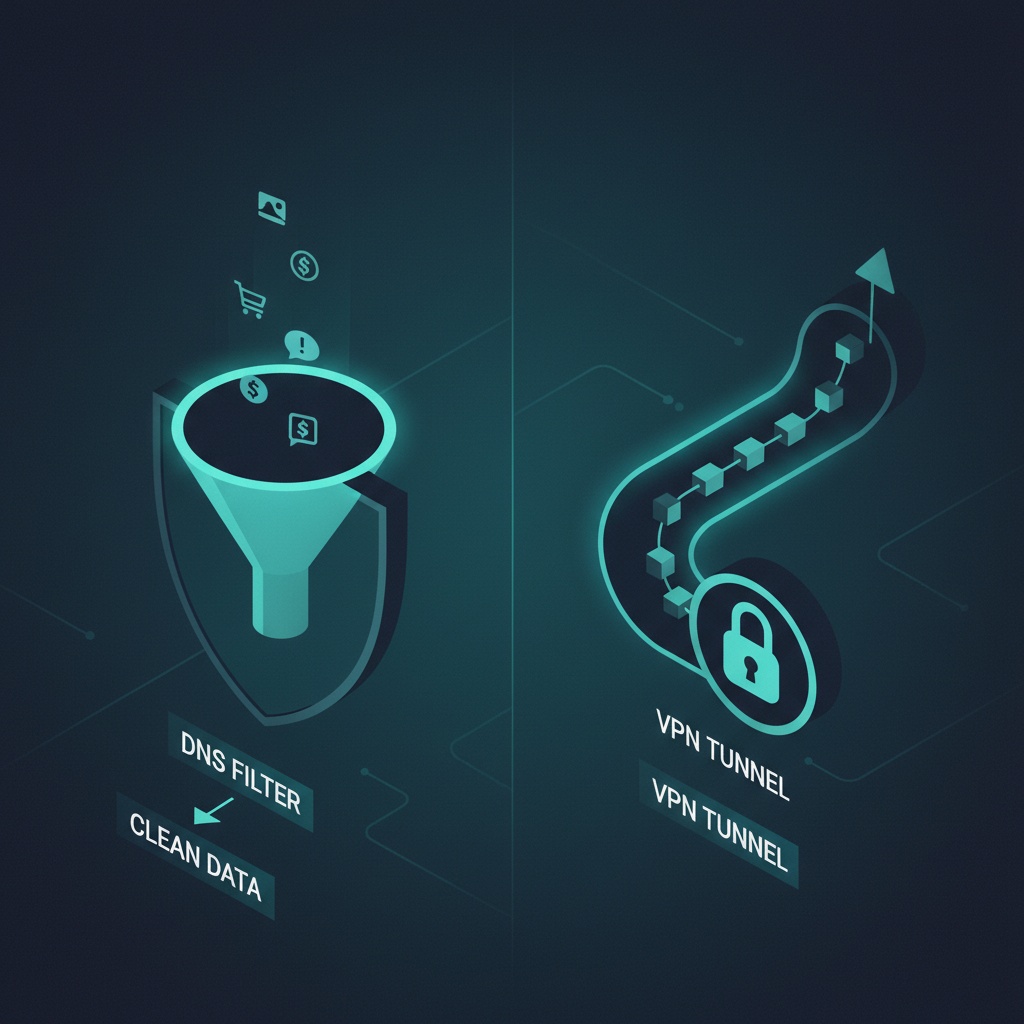
When an app on your phone wants to load ads.example.com, it first asks a DNS resolver to turn that name into an IP address. A DNS sinkhole is a resolver that intentionally returns “no such address” (or 0.0.0.0) for names on a blocklist. The ad server is never contacted because the app never gets an IP to connect to. This is the core technique Pi-hole documented for home networks and the one Wize AdBlock VPN implements on the device.
Why wrap DNS filtering in a VPN on Android?
Android does not give normal apps permission to intercept DNS traffic system-wide. What it does give you is android.net.VpnService, which a user can grant to route device traffic through a local component. Wize AdBlock VPN uses this permission not to tunnel your traffic to a remote server, but to act as a local DNS resolver that applies the blocklist. That is why you see the VPN key icon in the status bar even though no external VPN tunnel is involved.
This is also why the product name has “VPN” in it. From Android’s perspective, anything that uses VpnService is a VPN. From a user’s perspective, the relevant behavior is DNS filtering.
The lifecycle this creates
A local DNS/VPN service is not a one-shot function. It has a cold start, a running state, DNS queries that must not loop back through the VPN itself, and a teardown when the user disconnects. Each of those is a real engineering problem, and each has left fingerprints in our commit history.
- Cold-start DNS loading. Fix
commit6640e596`` addresses a case where the DNS resolver was not ready by the time the first query arrived. If cold start is not handled carefully, the user sees the VPN key appear but the first few seconds of browsing still reach ad domains. - Skip the VPN network for DNS queries.
commit32aead39`` ensures outgoing DNS queries the blocker itself makes do not loop back through its own tunnel. Without this, you get a feedback loop that either hangs the resolver or returns the sinkhole answer to legitimate upstream requests.
Both fixes sit under the “VPN-style ad blocker” label users see in the Play Store listing, but neither is obvious from the marketing surface.
DNS ad blocking vs browser ad blocking
A browser ad blocker (like uBlock Origin in a desktop browser) operates at the HTTP request level inside the browser process. It can see URL paths, CSS selectors, and page structure. It can hide an ad slot even after the request has been made.
A DNS ad blocker sees only domain names. It blocks doubleclick.net as a whole, not a particular path on it. That gives it two properties worth understanding:
- It works across apps, not just one browser. An app that loads an ad SDK over a blocked domain will simply fail to reach that SDK.
- It cannot block an ad that is served from the same domain as the content you want. This is a real limit, and it is one reason a DNS-based blocker is never a full replacement for in-browser filtering.
What the commits reveal about maturity
The point of citing commit hashes here is not decoration. DNS/VPN-style filtering on Android has been shipping for years across many apps, and the question for any specific product is: does the team that maintains it still handle the boring platform work? Looking at recent Wize AdBlock VPN history:
commitead5d3b1`` — 16 KB native library alignment, a 2025 Android platform requirement.commit886a3f2c`` — graceful VPN teardown when the service stops.commitb8315876`` — SDK 36 targeting for Google Play compliance.
If any of those had been missed, the app would eventually stop installing cleanly on newer Android devices or would leave the VPN interface in a weird state on disconnect. This is the kind of maintenance a Pi-hole box on your home network does not need, but a mobile app does.
Practical differences for Android users
When you are deciding between a DNS ad blocker Android app and a full remote VPN ad blocker app, the practical differences are:
| Property | Local DNS sinkhole (Wize AdBlock VPN) | Remote VPN with ad filtering |
|---|---|---|
| Traffic leaves your device unchanged | Yes (only DNS answers differ) | No, it is tunneled to a remote server |
| Hides your IP from destinations | No | Yes |
| Requires trust in a remote operator | No | Yes |
| Works without an upstream subscription | Yes | Usually no |
| Depth of filtering | Domain-level only | Depends on the provider |
Both approaches are legitimate. They answer different questions. A local DNS filter is a network-noise reducer. A remote VPN is a traffic-privacy tool. Confusing the two is the single most common mistake in this category.
Limits: what a local DNS ad blocker does not do
To be explicit, and consistent with our publishing notes for this product:
- It does not block all ads. First-party ads served from the same domain as the content are not filterable by DNS alone.
- It is not malware protection. A blocklist of ad and tracker domains is not an endpoint security product.
- It does not provide anonymity. Your real IP is still visible to every server you connect to.
- It does not encrypt your traffic end-to-end. It reroutes DNS locally; the rest of your connection is whatever it would have been otherwise.
For a fuller treatment of that, see What Wize AdBlock VPN can and cannot block.
Where to go next
- The product page: Wize AdBlock VPN.
- The engineering deep dive: Cold-start and DNS lifecycle bugs in a VPN-style ad blocker.
- The no-root angle: How VPN-style ad blockers work without root.
- The broader ecosystem: From mobile VR to a mobile app ecosystem and the Fulldive apps list.
Sources
- Pi-hole project overview on Wikipedia: https://en.wikipedia.org/wiki/Pi-hole.
- Android
VpnServicereference: https://developer.android.com/reference/android/net/VpnService. - Internal repository evidence:
fulldiveVR/FulldiveExtension.AdShieldhistory inspected on 2026-04-13.
Last updated: 2026-04-16. Commit hashes and version numbers are drawn from Fulldive repositories inspected on 2026-04-13.